

1. Follow the instructions how to create partner contact
2. The first partner contact that is invited to Freightools portal must be the administrator as this contact will then be able to invite other partners from the same organization.
3. Click on the "invite partner" button on the top left side.
4. The following message will display:
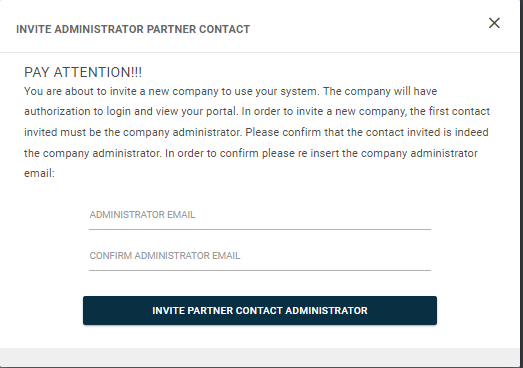
5. User must confirm the email address of the contact being an administrator contact of the partner invited.
6. After entering the contact email address, invitation will go through.