
Logo

What are you looking for?

Get help straight from our team...

How to check and restore Quick books connection

Configuration

How to check and restore Quick books connection

How to check Quick books connection

Last updated on 16 Jan, 2022

When user receives an error message regarding connection to quick-books, one should follow the below:

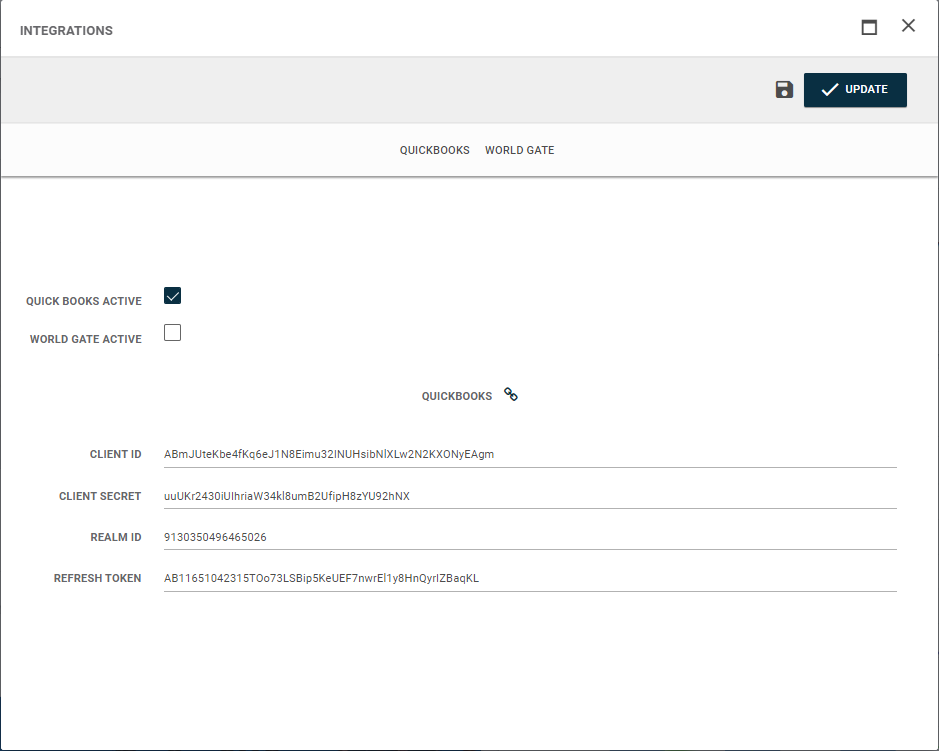
1. Go to "integration" in user menu.

2. Check the quickbooks icon
Image

3. If it is red, it means it is disconnected.  In this case, user must logout and log back in.  This action will refresh the token and restore the connection.


Did you find this article helpful?
Previous

Company Admin permissions in Freightools

Next