

1. Create CS per regular procedure. In the goods tab, mention the actual goods and not the container.
2. Create additional CS. This CS will have in the goods the container details.
3. After creating all CS's, link them to the relevant SO.
4. In the SO goods tab, go to the additional CS, and mark it as FU:

5. Go to the other CS's goods and mark them as "contained in"

6. After saving, you goods tab in the SO will appear as below:
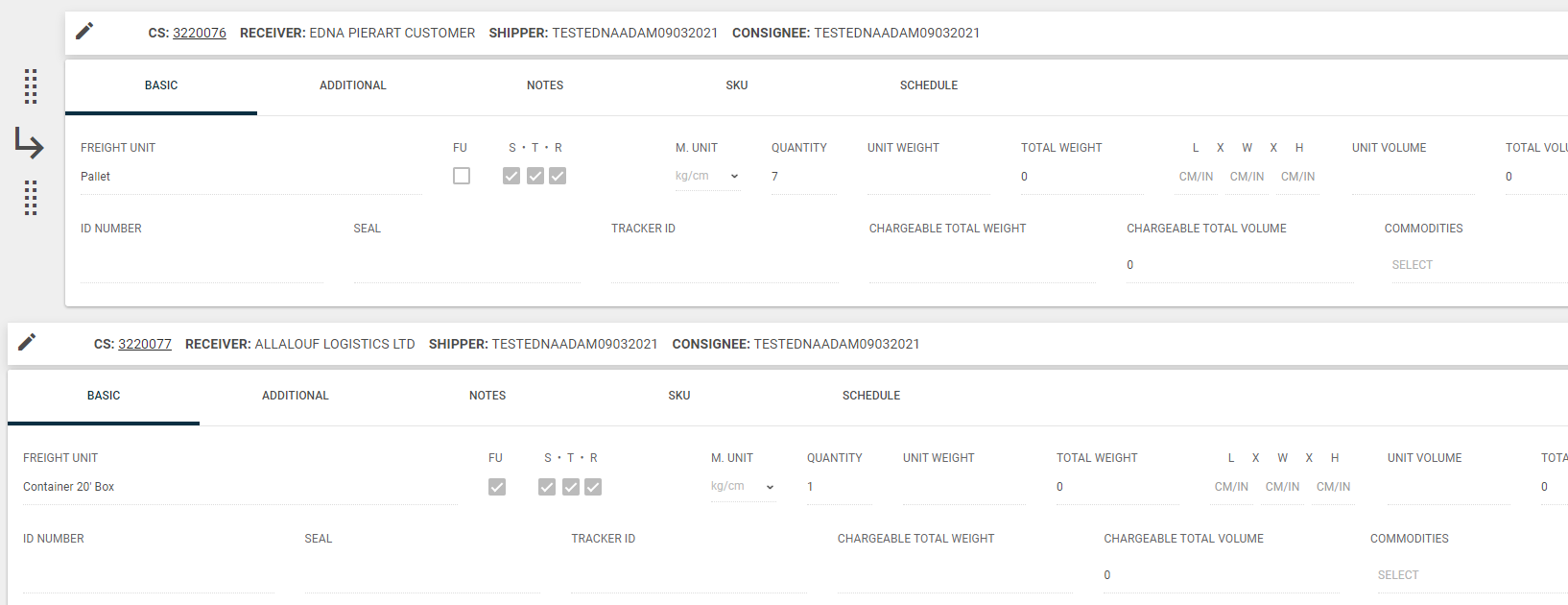
This will indicate that you have several goods contained.
** The additional CS can serve also for the shared costs. In this case, should be handled as Master.